 DeMAP
Sign in
Start free
What you need
- A Mac with Apple silicon
- macOS 14 Sonoma or later
- A DeMAP account. Your first interview is free.
Getting started
- Download DeMAP from the download section and install it.
- Sign in, then add your resume and any notes.
- Open DeMAP before you join your call.
macOS asks for permission to use your screen and audio the first time, because DeMAP reads the call audio and the text on your screen.
What the Mac app includes
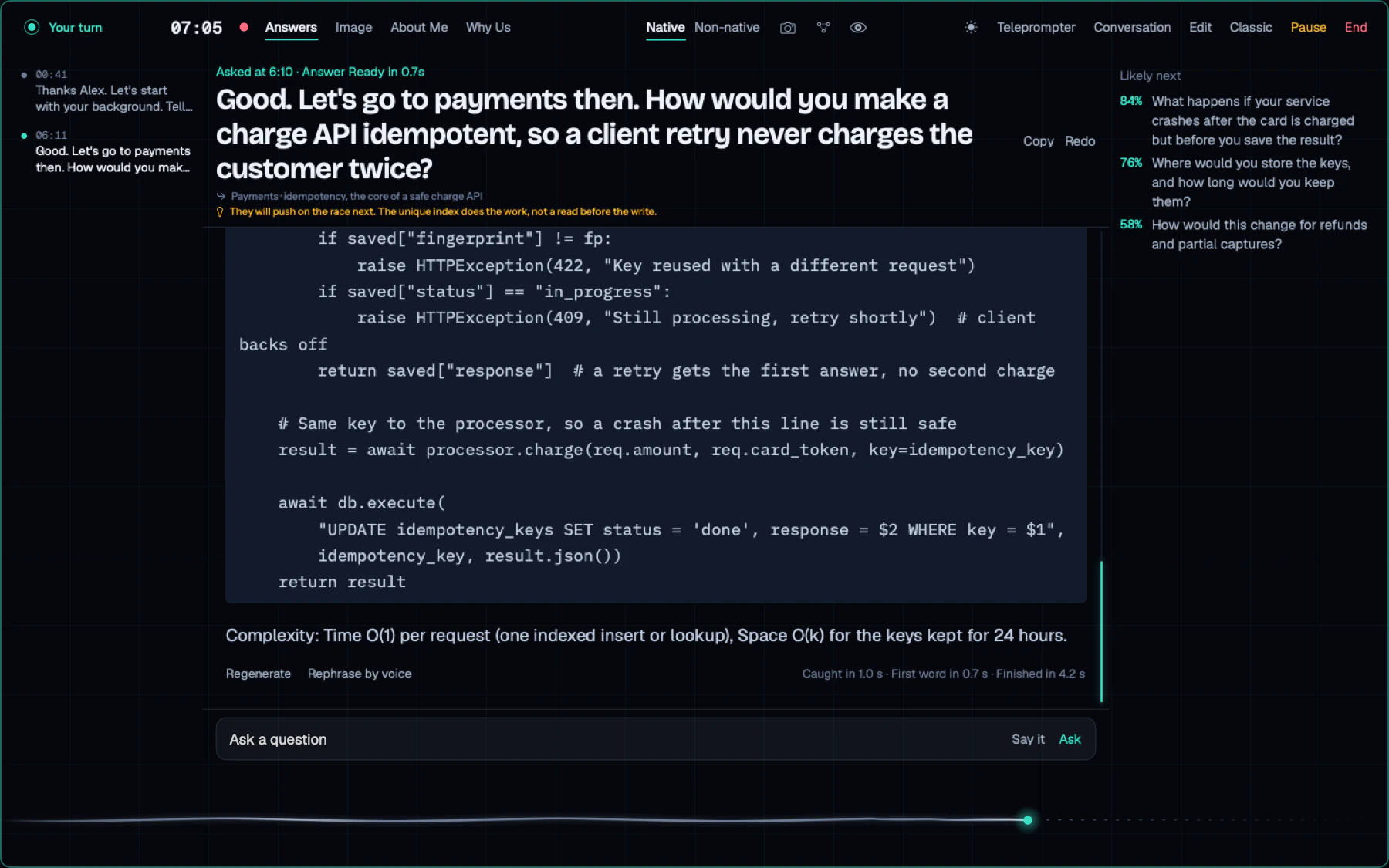
- Glass teleprompter. Answers appear on see-through glass and follow your voice.
- Private window. Suggestions appear in a window on your screen (Stealth mode).
- AUTO Mode. Follows ten languages in a live meeting, on Mac only for now.
- Everything else. The nine answer styles, Resume Architect and Interview Practice.
Common questions
Does DeMAP run on Intel Macs?
No. It needs Apple silicon and macOS 14 or later.
Can I move a meeting between Mac and Windows?
Yes. Use Join to move a meeting between your Mac and your Windows computer.